
Overview
Description
Prerequisities
python >=3.10
openai API KEY : You need to register on openai to receive your own api key , here : api_key.
This tool is still using
gpt-3.5-turbo,gpt-4andgpt-4-turboare on the way. 😉
Install from pypi
You can install the latest version from pypi.
$ pip install cgpt
Run
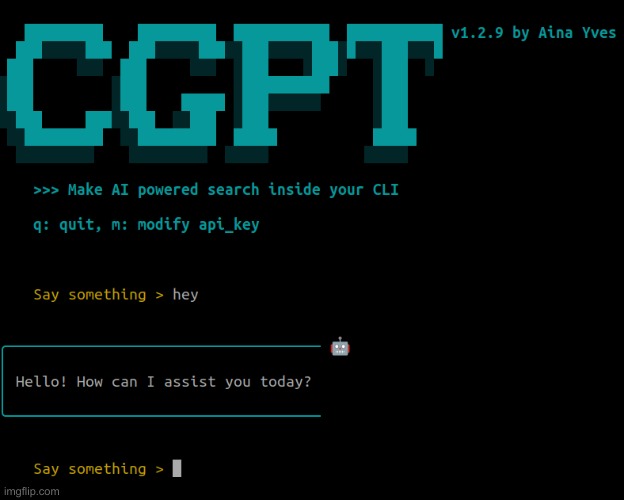
We’ve kept it super simple. Just use the command below, and you’re in the conversational loop 🚀.
$ cgpt
Run with docker
Pull the image
$ docker pull ainayves/cgpt:latest
Run the docker image by using your openai api key :
$ docker run -e OPENAI_API_KEY="yourapikey" -i -t ainayves/cgpt
Use it inside a local network
You can also use cgpt inside a LAN thanks to the command : cgpt --lan .
You just need one Host (
connected to internet) to be the server.Other Hosts (
not connected to internet) can ALWAYS use the AI asclient.
To run the LAN mode in docker :
$ docker run -e OPENAI_API_KEY="yourapikey" -i -t ainayves/cgpt:latest poetry run cgpt --lan
Note
For now, the server must be launched inside a
Linuxcomputer. If the server is running onWindows, the address may sometimes be > incorrect (to be fixed in the next version). Additionally, ensure that your/etc/hostsfile is configured correctly as follows :127.0.0.1 localhost 127.0.1.1 your-hostanmeA
clientcan also use his own api_key on future releases.
⚠️ Warning for users only
Development of MacOS compatibility for
cgptis still ongoing and undergoing enhancements.